cTrader Review: Is It Better Than MT4?

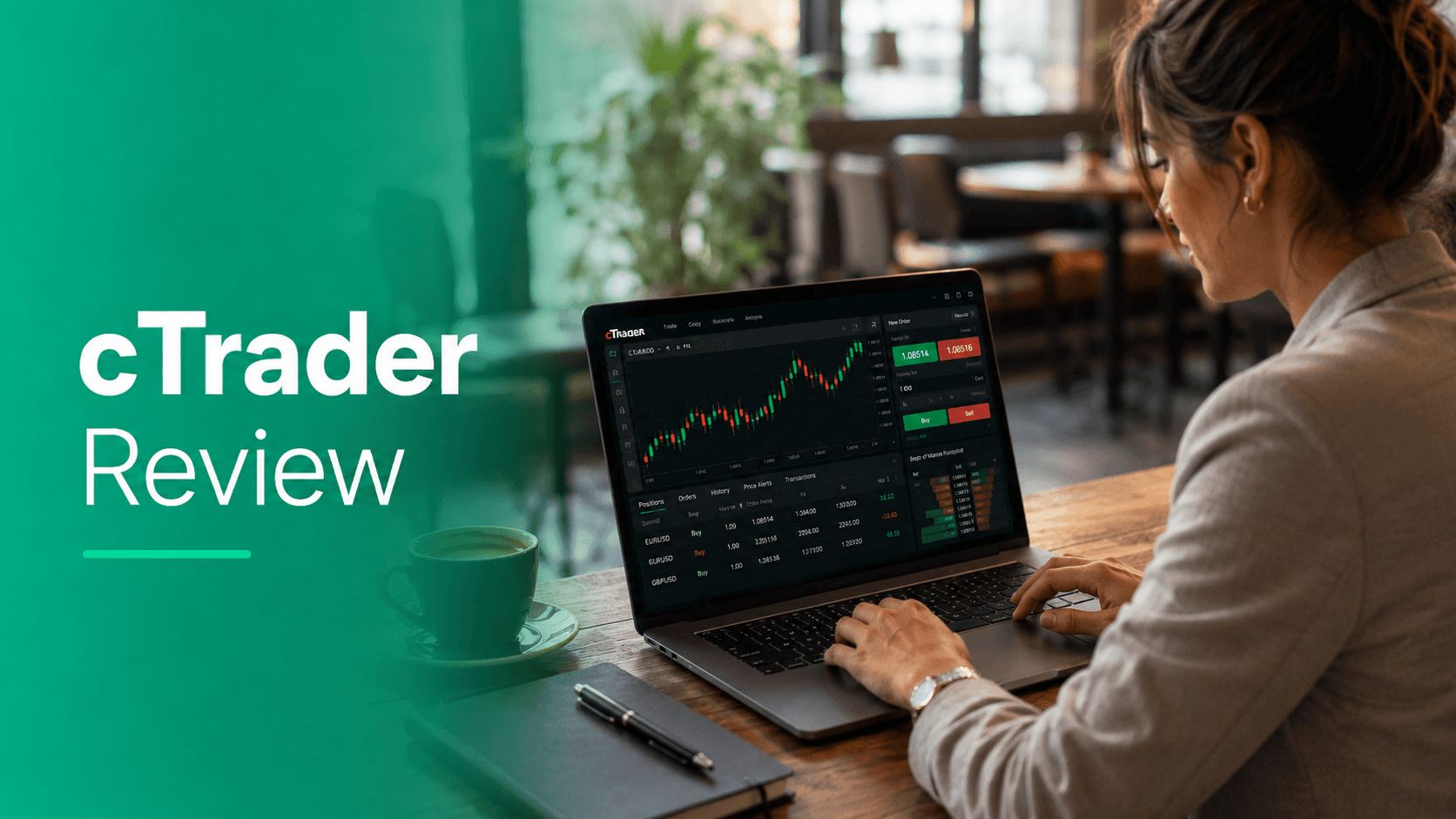
cTrader is better than MT4 for traders who want a modern interface, stronger native charting, depth of market tools, transparent order handling, built-in copy trading, and algorithmic trading using C# or Python. MT4 is still better for traders who rely on its huge Expert Advisor ecosystem, older custom indicators, broad broker availability, and lightweight desktop performance.
The best choice depends less on which platform is “best overall” and more on how you trade. Scalpers, discretionary day traders, and traders who value modern execution tools may prefer cTrader. EA users, long-time forex traders, and anyone using legacy indicators may still be better served by MT4.
Before choosing either platform, compare the broker behind it. A strong platform cannot compensate for weak regulation, expensive spreads, slow withdrawals, or poor execution. My Trading Reviews’ broker comparison tool and global broker rankings can help you compare regulation, platforms, spreads, and trading conditions side by side.
What Is cTrader?
cTrader is a forex and CFD trading platform developed by Spotware. According to the official cTrader guide, the platform includes manual trading, advanced charting, technical analysis, cTrader Copy, and cTrader Algo for automated strategies.
Spotware positions cTrader as a multi-platform trading ecosystem available across desktop, web, and mobile. Its official materials also highlight support from 300+ brokers and prop firms and more than 11 million traders through the cTrader ecosystem.
In practical terms, cTrader is designed for traders who want a cleaner trading interface than traditional MetaTrader, more native order-flow visibility, and a more modern automation environment.
What Is MT4?
MetaTrader 4, usually called MT4, is MetaQuotes’ long-running forex trading platform. MetaQuotes describes MetaTrader 4 as a platform for forex trading, technical analysis, algorithmic trading, Expert Advisors, trading signals, and mobile trading.
MT4 was officially released in July 2005, according to MetaQuotes’ own release notice. Its age is both a strength and a weakness. It has one of the largest communities of forex traders, indicators, scripts, EAs, and broker integrations in retail trading. But the interface and workflow can feel dated compared with newer platforms.
cTrader vs MT4: Key Differences
| Category | cTrader | MT4 |
|---|---|---|
| Best for | Active traders, scalpers, modern charting, and transparent execution tools | EA users, legacy indicators, and broad forex broker support |
| Interface | Cleaner and more modern | Familiar but dated |
| Automation | cTrader Algo with C# and Python support | Expert Advisors using MQL4 |
| Copy trading | Built-in cTrader Copy | Trading Signals ecosystem |
| Market depth | Strong native depth of market tools | More limited and broker-dependent |
| Broker availability | Good, but narrower than MT4 | Very broad |
| Custom tools ecosystem | Growing | Very large and mature |
| Learning curve | Easier visually and more modern | Familiar to many forex traders but less polished |
| Platform style | Execution-focused | Ecosystem-focused |
Trading Experience and Interface
cTrader feels more modern than MT4. The platform layout is cleaner, chart management is smoother, and many trading actions feel more natural for traders used to web-based financial apps.
MT4 is functional, but it reflects an older generation of trading software. Many traders like it because it is familiar and lightweight, not because it is especially elegant. If you already know MT4, its menus, Market Watch window, Navigator panel, and order ticket may feel efficient. For new traders, however, cTrader is usually easier to read and navigate.
The practical difference matters most during active trading. If you are managing several charts, adjusting stop losses, watching spreads, and placing orders quickly, cTrader’s interface can reduce friction. MT4 can still do the job, but it often requires more customization to feel comfortable.
Charting and Technical Analysis
cTrader has a strong charting package out of the box. Traders get multiple chart types, detachable charts, clean visual layouts, drawing tools, watchlists, and technical indicators. Its web and desktop experiences feel more consistent than MT4’s.
MT4 remains capable for technical analysis, especially because of its massive custom indicator ecosystem. If your strategy depends on a specific MQL4 indicator, template, or old charting setup, MT4 may still be the better choice.
For most discretionary traders starting fresh, cTrader has the better native charting experience. For traders with years of MT4 templates and indicators, MT4’s ecosystem advantage may outweigh its older design.
Order Execution and Depth of Market
cTrader has a clear edge for traders who care about execution visibility. The official cTrader Help Centre explains that Depth of Market lets traders view buy and sell depth at different price levels and place orders using DOM settings.
That does not mean cTrader guarantees better execution. Execution quality depends on the broker, liquidity providers, pricing model, server setup, and account type. But cTrader gives active traders more native tools to evaluate market depth and manage order placement.
MT4 supports market and pending orders, stop loss, take profit, and automated order management. MetaTrader’s own help pages explain how traders can place and modify pending orders. For most swing traders, that is enough. For scalpers and high-frequency manual traders, cTrader’s order-entry workflow and DOM tools are more appealing.
This is also where broker selection matters. If you are comparing platforms for execution quality, also read My Trading Reviews’ guide to slippage in forex trading, because the platform is only one part of the execution chain.
Algorithmic Trading: cTrader Algo vs MT4 Expert Advisors
MT4’s biggest strength is automated trading. Its Expert Advisor ecosystem is huge, and the MQL4 community has produced thousands of EAs, indicators, scripts, and strategy tools over many years. MetaTrader’s official documentation describes Expert Advisors as MQL4 programs used to automate analysis and trading.
cTrader is more modern on the development side. Its official documentation says cTrader Algo supports cBots, indicators, and plugins using C# or Python. Spotware also highlights cloud execution for cBots and built-in optimization tools on its cTrader Algo page.
For non-coders, MT4 may still be easier because there are more ready-made tools and freelancers familiar with MQL4. For developers, cTrader’s use of C# and Python can feel more flexible and modern.
The decision is straightforward:
- Use MT4 if your strategy already depends on MQL4 Expert Advisors or legacy indicators.
- Use cTrader if you want a newer automation framework, prefer C# or Python, or want to build tools inside a more modern platform environment.
Copy Trading and Social Trading
cTrader includes cTrader Copy as part of its platform ecosystem. This makes copy trading feel more native, especially for users who want to browse strategies, allocate capital, and monitor copied performance inside one environment.
MT4 supports copy trading mainly through MetaTrader Signals and broker-side or third-party services. MetaQuotes lists Trading Signals as part of the MT4 experience, but the overall copy-trading workflow often depends heavily on the broker and signal provider.
Neither platform makes copy trading low-risk. Traders should review drawdown, strategy history, leverage, asset exposure, fees, and whether performance is based on real or demo conditions. Copy trading can magnify losses quickly when strategies use high leverage or martingale-style risk management.
Fees and Trading Costs
cTrader and MT4 do not set your spreads, commissions, swap rates, withdrawal fees, or inactivity fees. Those costs come from the broker and account type.
This is an important point because traders often blame the platform for costs that are actually broker-level decisions. A cTrader account with raw spreads and commission may be cheaper than an MT4 standard account at one broker, while the opposite may be true elsewhere.
When comparing brokers, check:
- Average spreads, not only minimum spreads
- Commission per lot
- Swap or overnight financing
- Deposit and withdrawal fees
- Currency conversion fees
- Inactivity fees
- Slippage and execution policy
For a deeper breakdown, see My Trading Reviews’ guide to forex broker fees.
Regulation and Safety
Neither cTrader nor MT4 is a broker. They are trading platforms. Your regulatory protection comes from the broker you open an account with, not from the platform interface.
A broker offering cTrader is not automatically safer than a broker offering MT4. Likewise, a broker offering MT4 is not automatically outdated or risky. The key questions are whether the broker is licensed by a credible regulator, how client funds are handled, what legal entity you are trading with, and what investor protections apply in your jurisdiction.
Before opening an account, check the broker’s legal documents and regulator register. My Trading Reviews’ guide on how to choose a forex broker covers the main checks traders should make before depositing funds.
Broker Availability
MT4 still has the advantage in broker availability. Many forex and CFD brokers support MT4 because it has been embedded in the industry for two decades. Traders who use offshore brokers, niche brokers, or older EA systems are more likely to find MT4 support.
cTrader has strong availability among selected forex and CFD brokers, especially brokers that focus on ECN-style pricing, active trading, and multi-platform access. For example, My Trading Reviews notes that brokers such as IC Markets, FP Markets, and GO Markets include cTrader or multi-platform access in their platform lineups.
Still, if broker choice is your top priority, MT4 remains easier to find. If platform quality and active-trading tools matter more, cTrader deserves serious consideration.
Is cTrader Better for Beginners?
cTrader can be better for beginners because the interface is cleaner and more intuitive. New traders can usually understand charts, watchlists, order tickets, and account information faster than they can on MT4.
However, beginners should not choose a platform only because it looks easier. They should also consider education, broker regulation, demo account quality, customer support, risk controls, and trading costs.
For beginners trading CFDs, it is also worth understanding how leverage, margin, overnight fees, and contract pricing work. My Trading Reviews’ CFD trading guide is a useful starting point before comparing platforms.
Is cTrader Better for Scalping?
cTrader is often the better platform for scalpers because of its modern order-entry tools, depth of market features, fast workflow, and cleaner price display. Traders who rely on quick entries, partial exits, and spread visibility may find cTrader more practical.
That said, scalping conditions depend heavily on the broker. A poor broker with cTrader can still have weak execution, high commissions, restrictive rules, or poor liquidity. A strong broker with MT4 can still offer competitive scalping conditions.
Scalpers should compare average spreads, commission, execution method, stop-level rules, server location, liquidity quality, and slippage history before deciding.
Is MT4 Still Worth Using?
Yes, MT4 is still worth using if you need its ecosystem. It remains highly relevant for forex traders who use Expert Advisors, custom indicators, signal tools, and established broker setups.
MT4’s main weakness is not that it cannot trade effectively. It can. The weakness is that it feels older, has a less modern interface, and is less attractive for traders who want native depth of market, cleaner web trading, or newer automation languages.
MT4 remains a strong choice when continuity matters. cTrader is more compelling when starting fresh.
Pros and Cons of cTrader
Pros
- Modern and clean trading interface
- Strong native charting
- Depth of market tools for active traders
- Built-in cTrader Copy
- cTrader Algo supports C# and Python
- Better suited to manual scalping and active trading workflows
- Good web, desktop, and mobile consistency
Cons
- Smaller broker network than MT4
- Smaller third-party ecosystem than MT4
- Fewer legacy indicators and old trading tools
- Traders moving from MT4 may need time to adapt
- Broker conditions still matter more than the platform alone
Pros and Cons of MT4
Pros
- Very broad broker support
- Huge EA and custom indicator ecosystem
- Familiar to many forex traders
- Lightweight desktop platform
- Strong community and long history
- Good choice for legacy strategies
Cons
- Older interface
- Less modern charting experience
- Automation is tied to MQL4
- Native market depth and order-flow tools are more limited
- Web and desktop experience can feel less polished than cTrader
Final Verdict: cTrader or MT4?
cTrader is the better platform for traders who want a modern, execution-focused trading environment with strong charting, depth of market, copy trading, and newer automation tools. It is especially attractive for active forex and CFD traders who are choosing a platform from scratch.
MT4 is still the better platform for traders who rely on Expert Advisors, old custom indicators, and the widest possible broker compatibility. Its ecosystem remains hard to beat, even if the platform feels dated.
The smartest answer is not simply “cTrader is better” or “MT4 is better.” Choose cTrader if platform usability and active-trading tools matter most. Choose MT4 if ecosystem depth, EA compatibility, and broker availability matter most. Then choose the broker carefully, because regulation, pricing, execution, and withdrawals will have a bigger impact on your real trading experience than the platform brand alone.
FAQs
Is cTrader better than MT4?
cTrader is better than MT4 for modern charting, depth of market, copy trading, and active manual trading. MT4 is better for Expert Advisors, legacy indicators, and broad broker availability.
Is cTrader good for forex trading?
Yes. cTrader is built for forex and CFD trading and is especially popular with traders who want a clean interface, fast order workflow, and advanced charting.
Can I use Expert Advisors on cTrader?
No. MT4 Expert Advisors are written for MetaTrader and use MQL4. cTrader uses cBots through cTrader Algo, with support for C# and Python.
Does cTrader have copy trading?
Yes. cTrader includes cTrader Copy, which allows users to follow and copy trading strategies. Traders should still assess risk, drawdown, fees, and strategy transparency before copying.
Is MT4 outdated?
MT4 is older, but not useless. It remains widely used because of its broker support, EA ecosystem, custom indicators, and familiarity among forex traders.
Which platform is better for scalping?
cTrader is often better for scalping because of its order-entry workflow and depth of market tools. However, broker execution quality, spreads, commission, and slippage matter more than the platform alone.

Related Posts

How Transparent Should Prop Firm Affiliate Relationships Be?
Learn how prop firm affiliate programs, referral commissions, paid listings, and rankings work, and why transparency matters when choosing a prop firm.

CMC Funded Is Titanium Sponsor of London Prop Trading Expo
CMC Funded, the new simulated evaluation programme from CMC Markets, is Titanium Sponsor of the London Prop Trading Expo on 23 and 24 October 2026. The programme also named Verichain as its first referral partner, with a $100,000 simulated evaluation that leads to an interview.